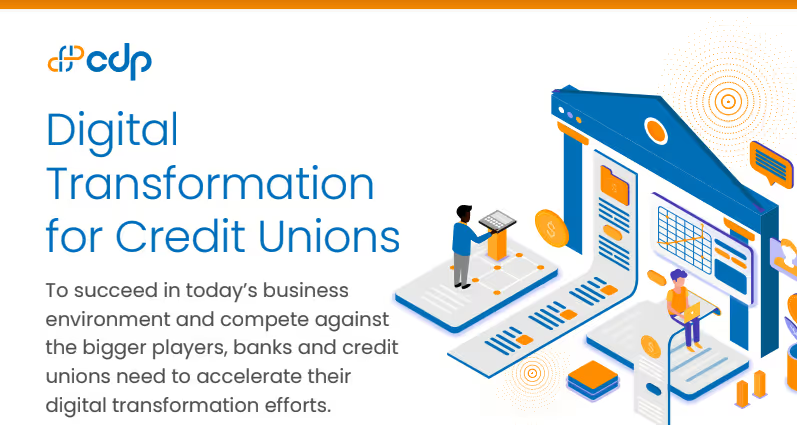
[Infographic] Digital Transformation for Credit Unions
Read More


In today's fast-paced digital landscape, electronic signatures, or eSigns, have revolutionized the way we handle documents. They offer a legal, efficient, and secure method to sign documents electronically, eliminating the need for printing, scanning, or mailing. However, for beginners, logging into an eSign platform can seem daunting. This guide aims to simplify the eSign login process, ensuring a smooth start to your digital signature journey.
The first step in mastering eSign login is selecting a reputable eSign provider. Popular options include DocuSign, Adobe Sign, and HelloSign. These platforms offer user-friendly interfaces and robust security features. Once you've chosen a provider, proceed to create an account by clicking on the 'New User' or 'Sign Up' button.
Account registration typically involves providing your full name, email address, and a secure password. After filling in the required information, read and accept the terms and conditions, then click 'Sign Up' or 'Create Account'. A confirmation email will be sent to your provided email address to verify your registration.
Check your email inbox for the eSign verification email. Click on the link provided in the email to verify your address. This step is crucial as it ensures the security of your account and enables you to proceed with the eSign login process.
With your account set up and email verified, return to your chosen eSign platform. Locate and click on the 'Login' or 'Sign In' button. Enter your registered email address and password to access your eSign account. This step marks the beginning of your journey into digital document management.
Upon successful login, you'll be directed to your eSign dashboard. This serves as the control center for all your eSignature activities. Familiarize yourself with the dashboard's layout and functions, such as document uploading, signing, and tracking. Understanding these features will enhance your efficiency in managing digital transactions.
Understanding the eSign login process is pivotal for simplifying your digital transactions. This step-by-step guide is designed to help you navigate the login process with ease, making your experience less intimidating. Remember, your journey with eSignatures doesn't end here. There are numerous features and functions to explore, from customizing signatures to integrating with other digital tools. Embrace the convenience and security of eSignatures, and enjoy a seamless digital experience.
Q: What is an eSign?
A: An eSign, or electronic signature, is a digital method of signing documents, providing a legal and secure way to consent or approve electronic documents.
Q: How secure is the eSign login process?
A: eSign platforms use advanced security measures, including encryption and email verification, to ensure the safety of your account and documents.
Q: Can I use eSign for all types of documents?
A: Yes, eSign can be used for a wide range of documents, including contracts, agreements, and forms, provided they are compatible with the platform.
Q: What if I forget my eSign login credentials?
A: Most eSign platforms offer a password recovery option, allowing you to reset your password using your registered email address.
.avif)