[Infographic] Digital Transformation for Credit Unions
Read More


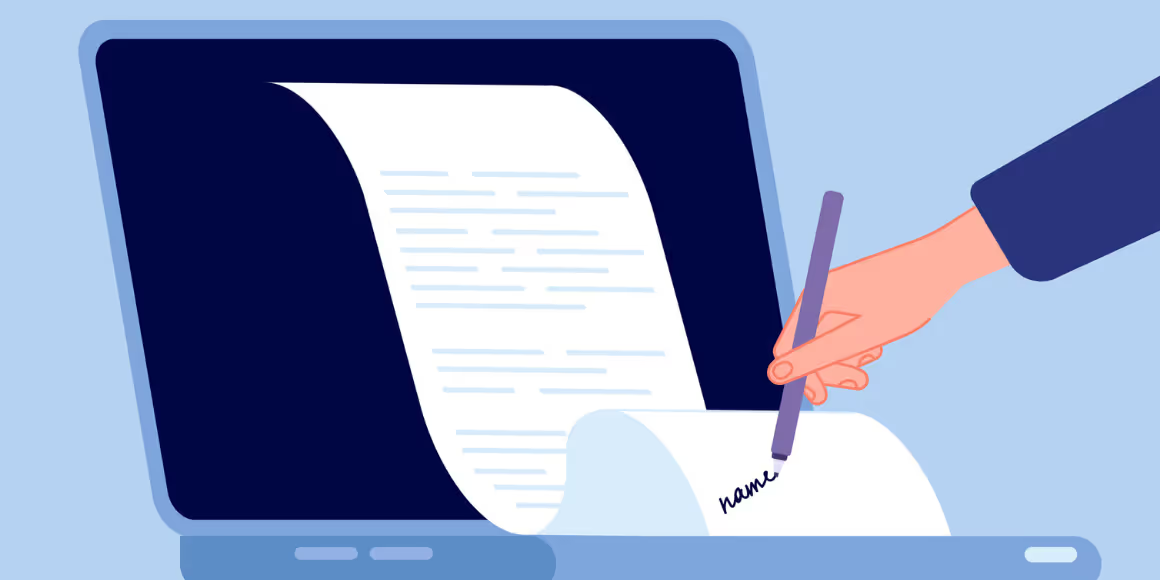
In the digital age, eSign solutions have revolutionized the way we handle documentation. Offering unparalleled convenience and security, these platforms allow users to sign documents digitally, saving both time and enhancing productivity. However, like any technology, eSign platforms are not without their challenges. Many users face hurdles during the eSign login process, which can disrupt the seamless experience these tools promise. This article aims to guide you through common eSign login issues and provide practical solutions to ensure a smooth user experience.
One of the most prevalent issues users encounter with eSign login is forgetting their username or password. This can be a frustrating experience, but most platforms have streamlined processes for recovery. Typically, you can reset your password by requesting a verification code sent to your registered email or mobile number. It's crucial to keep your login details secure and updated to avoid these situations. Consider using a password manager to keep track of your credentials safely.
It might seem trivial, but entering incorrect user credentials is a common mistake that can prevent access to your eSign account. Always double-check your username and password for typographical errors before attempting to log in. Remember, most eSign platforms have case-sensitive passwords, so ensure that your Caps Lock key is appropriately set. This simple step can save you from unnecessary frustration.
Two-factor authentication (2FA) adds an extra layer of security to your eSign login process. However, users often face issues with this step, particularly when they do not receive the 2FA code. If this happens, check your cellular reception or internet connectivity first. If the problem persists, it may be necessary to contact customer support for assistance. They can help you troubleshoot the issue or provide an alternative method for authentication.
A stable internet connection is vital for a successful eSign login. If you're experiencing login issues, poor internet connectivity might be the culprit. Before diving into more complex troubleshooting, ensure that your internet connection is stable and active. A quick reset of your router or a switch to a more reliable network can often resolve these issues.
Accounts can become locked after multiple unsuccessful login attempts or disabled due to inactivity. In such cases, users are typically required to contact the platform's support team. They will guide you through the process of unlocking or reactivating your account, usually following a verification process. Being proactive about maintaining your account's activity can prevent such scenarios.
While eSign solutions offer significant advantages in terms of convenience and security, navigating login issues can sometimes be a stumbling block. Understanding these common problems and knowing how to address them can greatly enhance your experience with these digital tools. From managing forgotten credentials to ensuring a stable internet connection, these insights will help you overcome login challenges with ease. As eSign technology continues to evolve, staying informed about best practices and solutions will ensure you can make the most of these powerful tools.
Q: What should I do if I forget my eSign login credentials?
A: Most platforms offer a password recovery option where you can request a verification code sent to your registered email or phone. Follow the instructions to reset your password.
Q: How can I resolve issues with two-factor authentication?
A: Ensure you have a stable internet connection and check your cellular reception. If the issue persists, contact customer support for further assistance.
Q: What steps can I take if my account is locked or disabled?
A: Contact the platform's support team for guidance on unlocking or reactivating your account. They will typically require verification of your identity.
Q: Why is a stable internet connection important for eSign login?
A: A stable internet connection ensures that your login process is not interrupted, allowing for a smooth and secure access to your eSign account.
.avif)