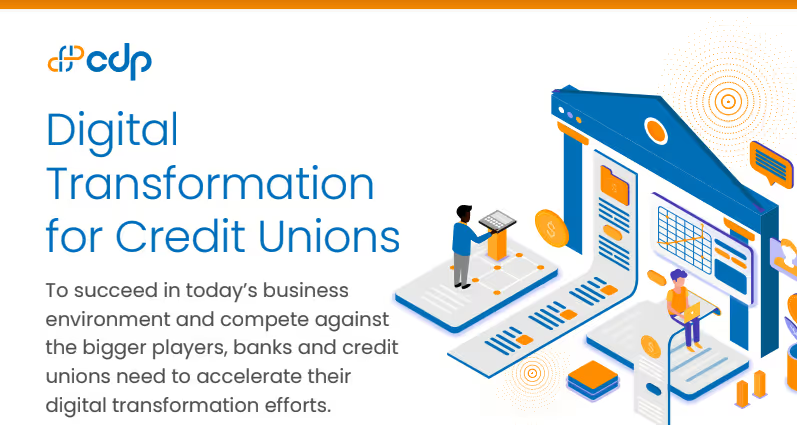
[Infographic] Digital Transformation for Credit Unions
Read More

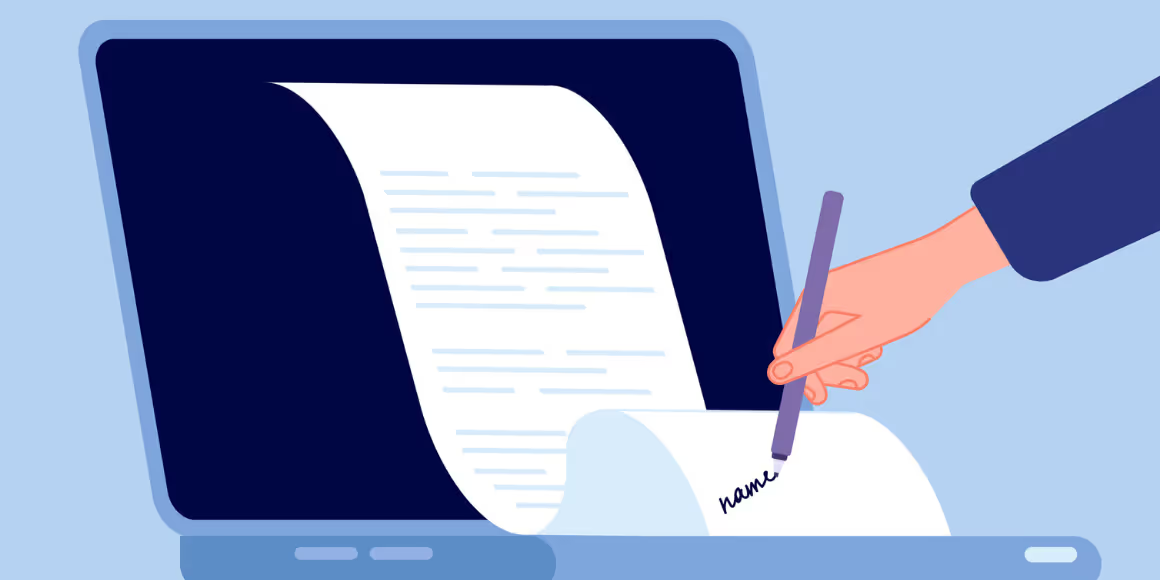
Organizations in the modern digital age have changed their approach to document handling and distribution. Digital storage systems have become vital, and Laserfiche emerges as a leading content management solution known for its exceptional security protocols, particularly when transmitting sensitive documents via email. This blog explores the secure email features of Laserfiche that include robust encryption, strict user access control, and detailed audit trails.
Laserfiche is a leading Content Management Platform that assists institutions in managing, sharing, and safeguarding their essential documents digitally. It provides features such as document management, business process automation, and records management. It stands out from other Content Management Systems as it provides an additional feature of securely emailing documents with high security measures for sensitive information.
The system enables the secure sending of confidential files through email by utilizing advanced encryption methods. This capability ensures that even if a message is intercepted, unauthorized parties cannot access the document’s contents. Encryption is an effective mechanism to defend against data breaches while transferring data.
Laserfiche provides administrators with strict data access management capabilities. Through advanced user access controls, organizations can restrict the access of sensitive information to unauthorized parties. The administrators can set permissions for the users to decrypt and view only certain documents that are allowed to specific users thus improving the security of email attachments.
The audit trail functionality is one of the security features of Laserfiche. This feature documents all the activities performed on a document to assist organizations in monitoring document access and modifications. Such monitoring is crucial for securing files transmitted over email, enabling organizations to monitor the usage of documents sent via email.
Organizations should ensure that they adhere to the following best practices to get the most out of Laserfiche: Implementing access controls, auditing logs, and encrypting all sensitive files sent via email. These measures strengthen the security measures in place, thus reducing the likelihood of data being accessed by unauthorized parties.
As the rate of digitalization increases and cyber-attacks become more complex, organizations require a secure system of managing and sharing documents. Laserfiche is a secure solution especially for sending sensitive documents via email. With encryption, access controls, and audit trails, it provides a safe digital space which is necessary in today’s world. Using and understanding the secure email options offered by Laserfiche helps organizations to safely transmit confidential data, thus minimizing the chances of data breaches.
What is Laserfiche known for? Laserfiche is best known for its robust Content Management solutions that encompass secure document management, sharing and process automation.
How does Laserfiche secure emailed documents?
Laserfiche secures the emailed documents through encryption to make it impossible for anyone to read the documents in case the email is intercepted.
What security features does Laserfiche provide? Some of the key features include encryption, user access controls, and audit trails to ensure the security of the document during transmission and access management.
Tags: Laserfiche,Secure Email,Document Security,Data Encryption,User Access Control,Audit Trails
.avif)